
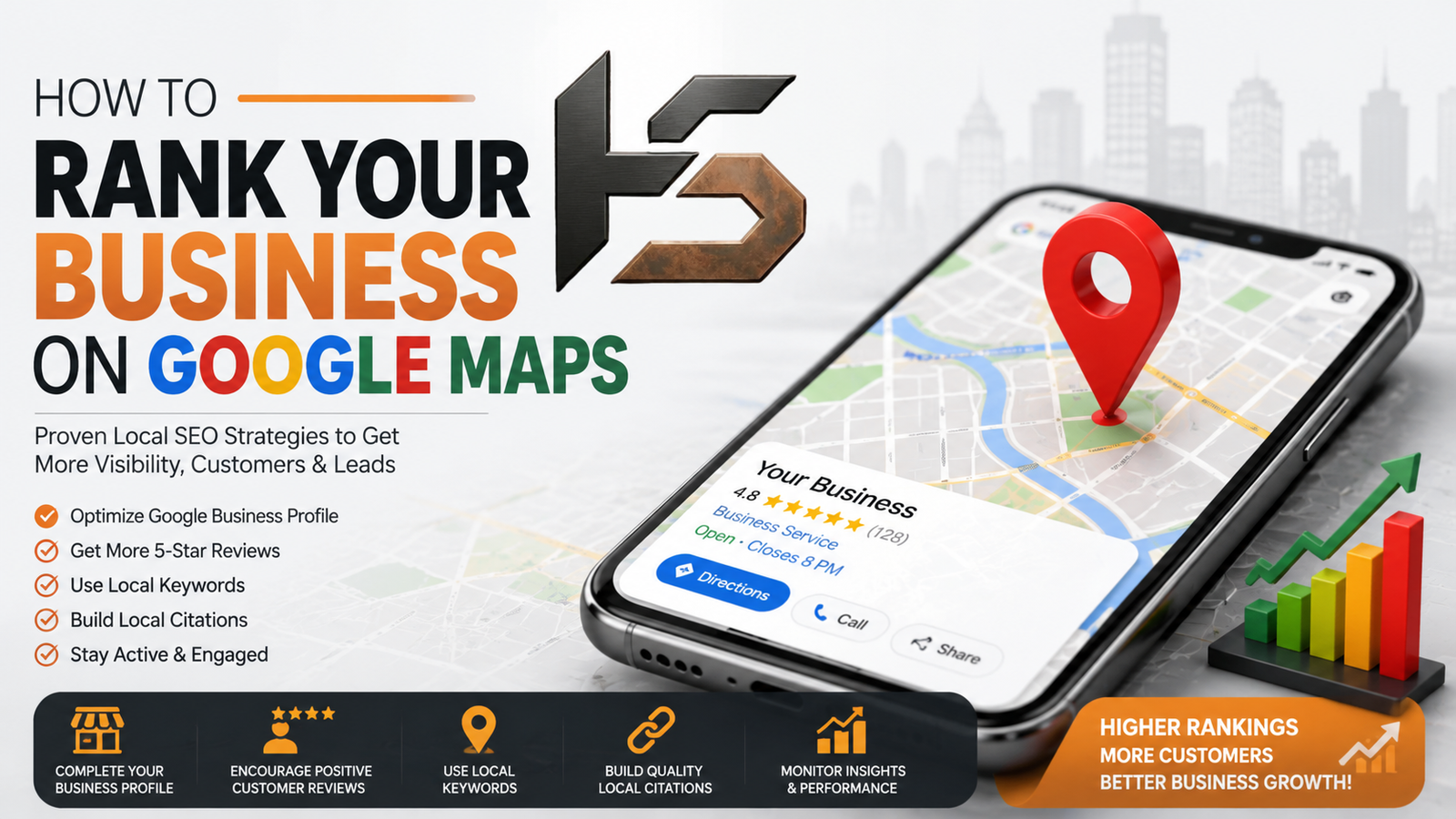

How To Rank Your Business On Google Maps
Google Maps Ranking is one of the most important factors for local businesses looking to attract nearby customers and increase visibility online.
If your business appears at the top of Google Maps results, you can attract more website visitors, phone calls, and customers without spending heavily on advertising.
In this guide, you'll learn how to rank your business on Google Maps and improve your local visibility to generate more leads and sales.
Why Google Maps Ranking Matters
Google Maps rankings directly impact local business growth because they:
- Increase local visibility
- Drive more website traffic
- Generate phone calls and inquiries
- Improve trust and credibility
- Increase foot traffic for physical locations
- Help businesses compete with larger brands
Businesses appearing in Google's Local Pack usually receive more clicks and customer actions compared to businesses ranking lower in search results.
What Determines Google Maps Rankings?
Google uses three primary factors to determine Google Maps rankings:
1. Relevance
How well your business profile matches a user's search query.
2. Distance
How close your business is to the searcher's location.
3. Prominence
How well-known and trustworthy your business appears online.
The better you optimize these factors, the higher your chances of ranking on Google Maps.
1. Create And Verify Your Google Business Profile
Your Google Business Profile (GBP) is the foundation of Google Maps rankings.
Make sure your profile includes:
- Business Name
- Address
- Phone Number
- Website URL
- Business Category
- Business Hours
- Services
- Business Description
After creating your profile, complete Google's verification process. Verified businesses receive higher trust signals and better visibility.
2. Choose The Right Business Categories
Business categories help Google understand what your business does.
Example:
Primary Category:
Digital Marketing Agency
Additional Categories:
- SEO Agency
- Marketing Consultant
- Advertising Agency
- Website Designer
Choose the most relevant category as your primary category. Avoid adding irrelevant categories just to rank for more searches.
3. Optimize Your Business Description
Your business description should clearly explain:
- Who you are
- What you do
- Who you help
- Your location
- Your unique value
Example:
"HypeSquad Digital is a full-service digital marketing agency helping businesses grow through SEO, Google Ads, website development, branding, and local SEO services."
Naturally include relevant keywords without keyword stuffing.
4. Complete Every Section Of Your Profile
Many businesses leave important sections incomplete.
Complete the following sections:
- Services
- Products
- FAQs
- Appointment Links
- Business Hours
- Attributes
- Service Areas
A complete profile helps Google better understand your business and improves your ranking chances.
5. Add High-Quality Photos Regularly
Photos improve engagement, trust, and customer confidence.
Upload:
- Office Photos
- Team Photos
- Service Photos
- Project Screenshots
- Customer Interactions
- Branded Images
Try adding new images regularly to keep your Google Business Profile active.
6. Get More Customer Reviews
Reviews are one of the strongest ranking factors for Google Maps.
Ask satisfied customers to leave reviews after:
- Completing a project
- Purchasing a product
- Receiving a service
Focus on:
- Quality Reviews
- Recent Reviews
- Consistent Review Growth
Avoid buying fake reviews as they can damage your reputation.
7. Respond To Every Review
Google values active business profiles.
Respond to:
- Positive Reviews
- Negative Reviews
Professional responses show engagement and help build customer trust.
8. Maintain NAP Consistency
NAP stands for:
- Name
- Address
- Phone Number
Keep your business information identical across:
- Website
- Google Business Profile
- Social Media Profiles
- Local Directories
- Business Listings
9. Build Local Citations
A citation is any online mention of your business information.
Examples include:
- Yelp
- Justdial
- Sulekha
- IndiaMART
- Yellow Pages
- Bing Places
Accurate citations help strengthen local authority.
10. Optimize Your Website For Local SEO
Google Maps rankings are strongly connected with website quality.
Include:
- Local Keywords
- Location Pages
- Contact Page
- Google Map Embed
- Contact Form
Examples:
- Digital Marketing Agency In Patna
- SEO Services In Bihar
- Website Development Company In Gopalganj
11. Create Local Content
Publishing local content increases relevance and authority.
Examples:
- SEO Tips For Bihar Businesses
- Best Marketing Strategies For Local Businesses
- How Small Businesses Can Generate Leads Online
12. Earn Local Backlinks
Quality backlinks improve Google Maps prominence.
Get links from:
- Local News Websites
- Business Associations
- Community Organizations
- Local Blogs
- Chamber Of Commerce Websites
13. Use Google Business Profile Posts
Post regular updates about:
- New Services
- Promotions
- Events
- Case Studies
- Blog Articles
Fresh activity signals relevance and engagement.
14. Add Questions And Answers
The Q&A section helps improve profile completeness.
Add common customer questions such as:
- What services do you offer?
- Do you provide free consultations?
- What are your business hours?
15. Monitor Insights And Performance
Track:
- Search Views
- Website Clicks
- Phone Calls
- Direction Requests
- Profile Views
Regular monitoring helps identify opportunities for improvement.
Common Google Maps Ranking Mistakes
- Incomplete business profiles
- Fake reviews
- Inconsistent NAP information
- Keyword stuffing business names
- Ignoring customer reviews
- Low-quality website experience
- No local content strategy
- Outdated business information
Best Tools For Google Maps SEO
- Google Business Profile
- Google Search Console
- Google Analytics
- BrightLocal
- Semrush
- Ahrefs
- Moz Local
- Whitespark
Final Thoughts
Ranking on Google Maps is one of the most effective ways to attract local customers and generate qualified leads.
Businesses that optimize their Google Business Profile, collect genuine reviews, maintain consistent business information, and invest in Local SEO are more likely to appear in Google's Local Pack and Maps results.
Success on Google Maps does not happen overnight, but consistent optimization can dramatically improve your visibility, credibility, and customer acquisition.
By implementing these strategies, your business can gain a competitive advantage and attract more local customers in 2026 and beyond.